
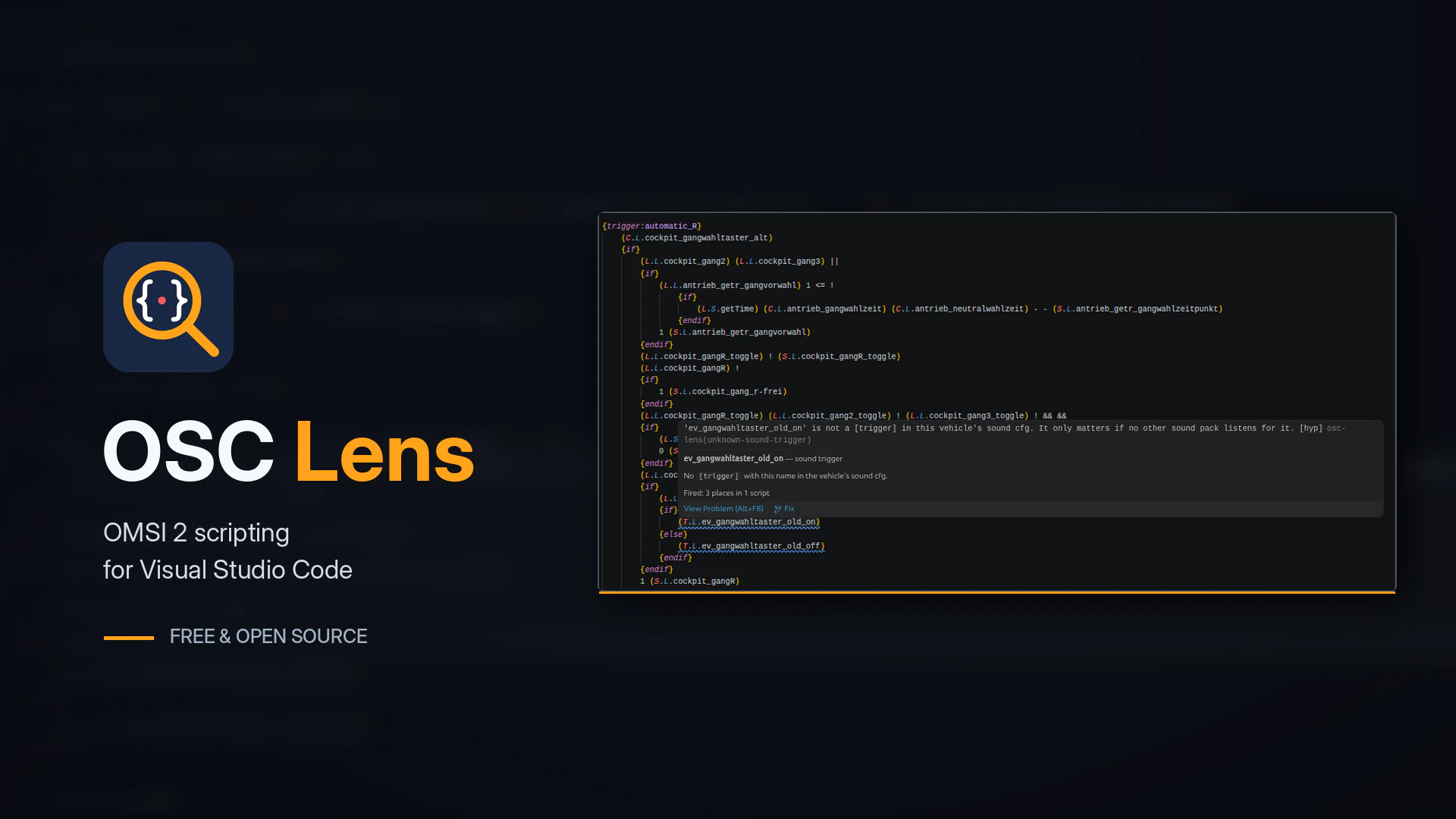
Anyone who’s spent time working with OMSI 2 scripts will know how frustrating they can be. Something as simple as a missing {endif} or a misspelled variable can stop part of a bus from working, and figuring out what’s wrong often involves digging through hundreds of lines of code.
While working on OMX, I’ve spent quite a bit of time investigating OMSI’s original scripting system. I figured some of that research could be put to good use outside of OMX itself.
So I made OSC Lens, a free, open-source extension for Visual Studio Code that makes working with OMSI scripts a little less painful.
And no, you don’t need OMX to use it.
What does it do?
OSC Lens adds support for OMSI scripting to Visual Studio Code, including:
- Syntax highlighting: Makes scripts easier to read, with different colours for commands, variables, macros and operators.
- Error detection: Flags common mistakes, including missing
{endif}statements, unknown variables and invalid commands. - Autocomplete: Suggests variables, macros and other script elements as you type.
- Go to definition: Jump straight to where a variable, macro or constant was declared.
- Find references: Find everywhere a particular variable or macro is used.
- Hover information: See information about variables, macros and constants without having to search through other files.
It also understands how the different files in an OMSI vehicle relate to each other, including scripts, variable lists and constants.
Less time staring at scripts
If you’ve ever modified an OMSI bus, you’ve probably experienced the usual routine.
Change something in a script, launch OMSI, load the bus, realise something doesn’t work, close the game and spend the next half an hour trying to find the problem.
Sometimes it’s an actual logic error. Other times you’ve just forgotten to close an {if} block.
OSC Lens won’t magically fix every scripting problem, but it can catch plenty of common mistakes while you’re writing the code, rather than after you’ve loaded the bus.
Based on the original OMSI scripting system
OSC Lens isn’t just a generic syntax highlighter with a few OMSI keywords thrown in.
A lot of its behaviour comes from research into the original OMSI 2 script compiler, which I’ve been investigating as part of OMX development.
OMSI has a few quirks that aren’t particularly well documented, and some things behave differently from what you might expect.
I’m still working through those details, but the aim is to make the extension as accurate to the original game as possible.
Download OSC Lens
OSC Lens is free, open source and released under the MIT licence.
It works with existing OMSI scripts, so there’s no need to convert anything or change how you develop your buses.
You can find the extension on the Visual Studio Marketplace or check out the source code on GitHub.
What does this have to do with OMX?
OMX is my ongoing project to recreate the OMSI 2 engine as a modern, 64-bit application that runs natively on Windows and Linux.
Unlike the original game, OMX isn’t restricted to a 32-bit engine. You can read more about OMSI 2’s 32-bit limitations and how OMX approaches them.
One of the bigger challenges has been getting the original scripting system working properly. Existing OMSI buses rely heavily on scripts, so understanding exactly how the original game handles them is pretty important.
Since I’ve already been doing that research, it seemed a shame not to make something useful out of it for people who are still developing content for OMSI 2.
OSC Lens is a separate project, and you can use it with the original OMSI right now.
There’s still more I want to add and improve, so if you run into any problems or have suggestions, feel free to open an issue on GitHub.
If you’re interested in the engine itself, you can learn more about OMX or follow the latest OMX development progress.